

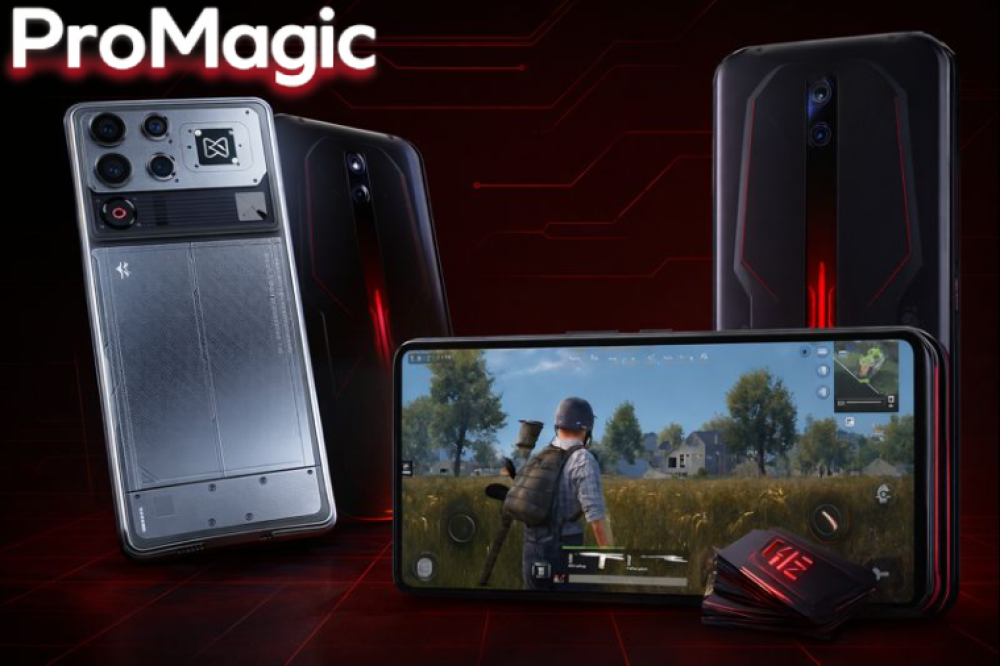
Best PUBG settings on Redmagic phones
If you're a PUBG Mobile enthusiast and want a smooth and fast gaming experience, choosing the best game settings for your phone is essential. RedMagic phones are specifically designed for demanding games and offer superior performance, fast displays, and dedicated controls for an optimal gaming experience. In this guide, we'll explore the best settings for PUBG Mobile on RedMagic, along with tips to increase responsiveness and improve performance, as well as information on finding the best phone deals from the ProMagic store.
Select screen resolution and frame rate
To achieve the best performance in PUBG Mobile on Red Magic:
- Use HD or HDR resolution depending on the type of game and performance you desire.
- Activate a high frame rate (90Hz, 120Hz, or higher depending on the model) for a smooth, lag-free gaming experience.
- Activate Ultra Frame mode if available on your model to support demanding games.
Graphics settings appropriate for performance
Red Magic phones feature a powerful processor, but to ensure the phone doesn't overheat while gaming:
- Choose the graphics level between Smooth and Balanced depending on the game type and session.
- Use the Anti-Aliasing option for better image quality without significant battery drain.
- Reducing some secondary effects such as shadows to improve performance and increase FPS
Improved responsiveness and touch
Screen responsiveness and touch speed are important factors in PUBG Mobile:
- Activate the high Touch Sensitivity option to speed up character movement.
- Use REDMAGIC Gaming Triggers or the built-in buttons for better aiming and firing control.
- Adjust the aiming and gyroscope sensitivity to suit your play style.
Controlling sound and effects
Sound is a key element in locating enemies:
- Activate the 3D Audio or Surround Sound option if your phone supports it.
- Adjust the volume level and balance between background sound and effects to accurately pinpoint the players' steps.
- Use high-quality headphones or dedicated gaming headsets to enhance the experience.
Innovative components to enhance the PUBG experience on Red Magic
For players who want to improve their performance in PUBG Mobile , the Pro Magic store offers some premium items that make gameplay smoother and more professional, such as:
- Red Magic Shadow Blade III : A phone designed for heavy gaming, with a fast processor and a high refresh rate screen, for a smooth and lag-free gaming experience.
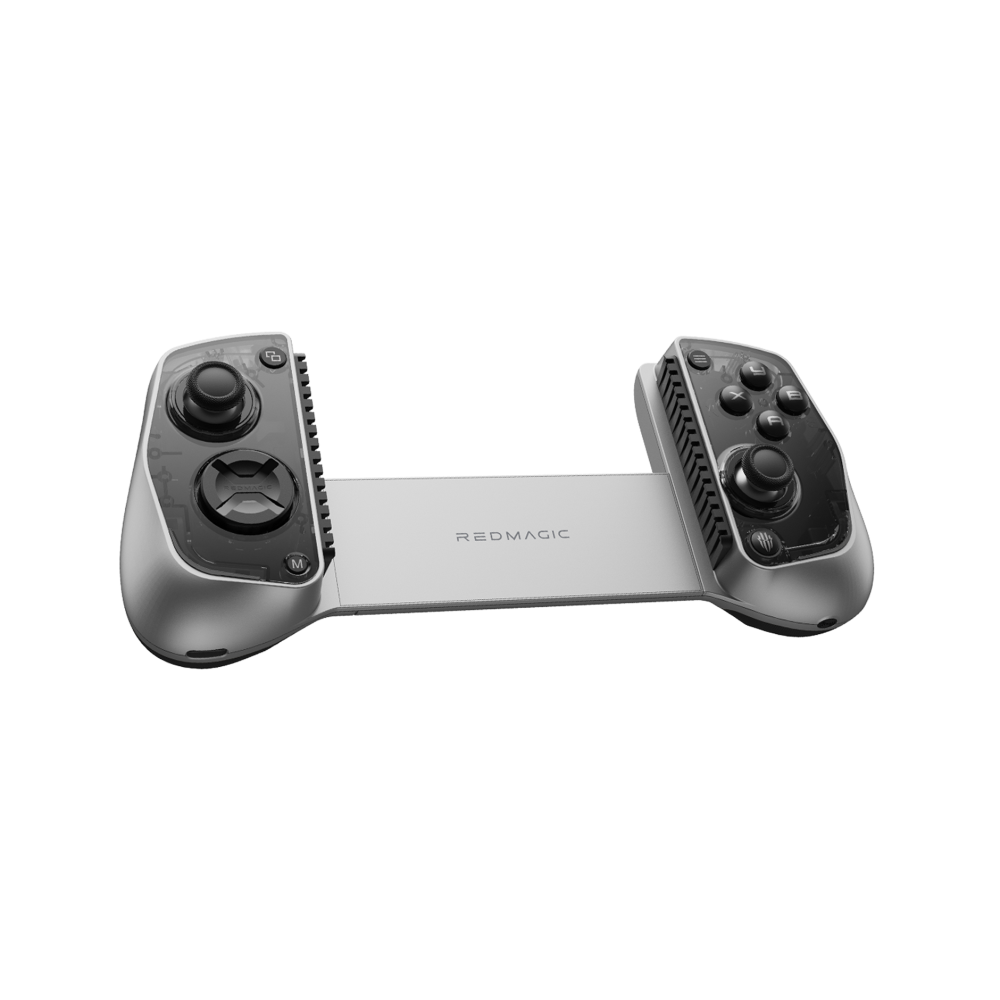
- iPad Piano Laser 6 Buttons with FV6 Rubber Shot Acceleration : This piece gives you faster shot firing and better control when jumping, crouching and aiming, making every encounter in PUBG more precise and exciting.
Using these pieces, you will be able to play longer, faster and more accurately , improving your responsiveness in every battle, to outperform your opponents and reach a true professional level.
Get these parts now from the ProMagic store and take your gaming experience to the next level of professionalism.
Tips to reduce phone overheating while gaming
To ensure a smooth experience, the phone's temperature must be controlled:
- Avoid playing for long, continuous periods without breaks.
- Use REDMAGIC coolers if available to cool your phone during long gaming sessions.
- Do not play while charging or in hot places.
Battery settings and performance modes
Red Magic offers different performance modes:
- Use High Performance mode for heavy games to get a stable FPS
- During long sessions, you can switch to Balanced mode to reduce battery consumption.
- Activate the Battery Saver option if you want to play for extended periods without worrying about running out of battery.
Improve network connectivity
A strong internet connection is essential to avoid lag:
- Use a stable Wi-Fi network or a fast 5G connection.
- Activate the Network Boost option if available on your phone.
- Avoid apps that consume internet data in the background while playing.
Pro Magic Store Tips
Properly configuring PUBG Mobile settings on RedMagic phones gives you a smoother gameplay experience, faster response times, and complete control. By using optimal graphics settings, appropriate touch sensitivity, sound controls, and considering cooling and phone performance, you'll be able to maximize the capabilities of your RedMagic while playing.
You can get the best Red Magic models and exclusive offers from the Pro Magic store to ensure a professional and safe gaming experience.
Frequently asked questions about improving PUBG gameplay on Red Magic
Q1: How do pieces like 6-button laser piano keys help improve playing?
These buttons allow you to fire shots, aim, and crouch more quickly, giving you better control and faster response during PUBG Mobile battles.
Q2: Does using Red Magic Shadow Blade Version 3 improve game performance?
Yes, the phone is designed for heavy gaming with a powerful processor and a high refresh rate screen, making the PUBG experience smooth and lag-free.
Q3: What is the FV6's shot acceleration feature?
The FV6's rubberized feature makes every shot arrive faster and more accurate, giving you a clear advantage in every in-game encounter.
Q4: Can these parts be used with all Red Magic phones?
Yes, the buttons and accessories are designed to be compatible with all Red Magic models, to ensure a seamless gaming experience.
Q5: Where can I buy these original parts?
You can get them from the Pro Magic store at great prices with fast shipping and an original warranty, to ensure a safe and professional experience.